Stop Saying 'Noted with Thanks': 5 Better Ways to Reply to Emails (Without Sounding Cold)
'Noted with thanks' can sound robotic or passive-aggressive. Learn 5 better alternatives for professional email replies, with scenario-based examples and quick tone fixes.
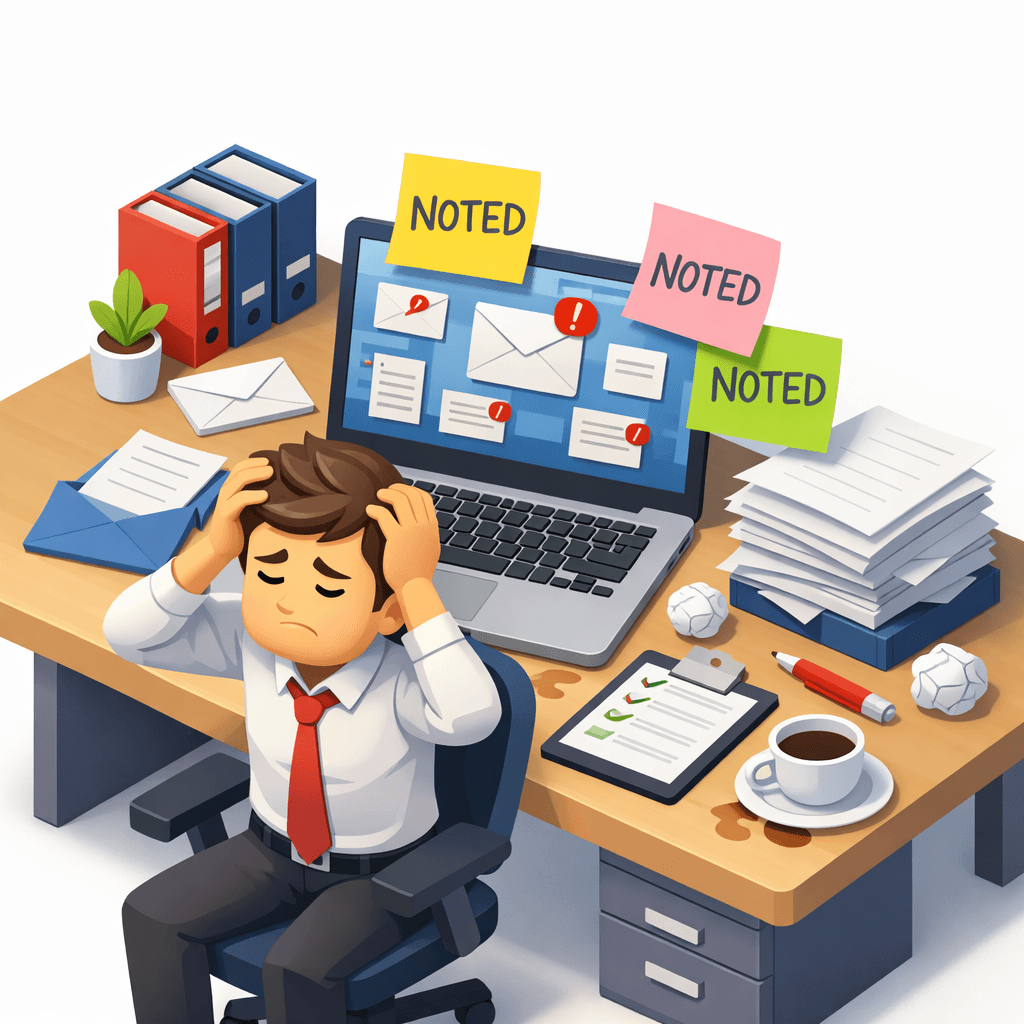
If you work in a fast-moving office, you've probably typed "Noted with thanks" more times than you can count. It's short. It's efficient. But in modern business, it can sound robotic or passive-aggressive.
The sender might read it as: "Okay lor. Don't bother me."
AI Grammar Buddy
Make this sound professional
Improve tone for work emails without changing your meaning.
The good news: you don't need long essays. Here are 5 scenarios with better alternatives.
If you are weighing up “noted” rather than “noted with thanks,” see our primary guide to noted meaning in email and chat.
For a fuller set organised by manager, colleague, client, vendor, and meeting situations, use the Singapore workplace reply library.
For the narrower question of whether the phrase sounds rude in a Singapore office, see the Singapore office tone guide.
Jump to sections
Use these anchors to jump straight to the section you need.
Scenario 1: Confirming Receipt
Stop using: "Noted with thanks."
Start using:
- "Received, thank you for the update."
- "Thanks - received and noted."
- "Got it, thanks for sharing."
Why it works: adds warmth without adding length.
Scenario 2: Agreeing to a Task
Stop using: "Noted."
Start using:
- "I'll get started on this immediately."
- "Understood - I'll take care of this and update you by EOD."
- "Confirmed. I'll proceed and keep you posted."
Why it works: builds confidence and shows you're taking action.
Scenario 3: Replying to a Superior
Stop using: "Noted with thanks."
Start using:
- "Understood, will proceed as discussed."
- "Noted - thank you. I'll align with your direction and proceed."
Why it works: signals alignment and respect.
Scenario 4: When You Need Clarification
Stop using: "Noted."
Start using:
- "Thanks - just to confirm, should we proceed with Option A or B?"
- "Understood. Could you clarify the timeline?"
Why it works: prevents avoidable mistakes and shows initiative.
Scenario 5: When You Can't Meet the Request
Stop using: "Noted with thanks."
Start using:
- "Thanks for the request - unfortunately we won't be able to meet that timeline. Can we do Friday instead?"
- "Understood. I can proceed, but I'll need an extra day."
Why it works: honest and solution-oriented, not dismissive.
The Singlish Connection
Singaporeans love efficiency. We keep emails short and direct. But here's the thing: global clients (US/UK) often interpret warmth as professionalism.
Adding one friendly sentence doesn't slow you down - but it can dramatically improve trust and rapport.
Unsure If Your Email Sounds Rude?
Use Ai Grammar Buddy to check your email tone instantly. The AI understands Singapore context and helps you sound professional without being robotic.
Next step
Make this sound professional
Improve tone for work emails without changing your meaning.
Keep going
Continue with AI Grammar Buddy
AI Grammar Buddy
Email Improver
Paste your draft and rewrite it for clearer, more professional English.
Improve My ToneRelated guide
Business Trip English Phrases: Airport, Hotel & Meetings
Learn practical business trip English phrases for airports, immigration, hotels, meetings, and delays, with mini dialogues and ready-to-use examples.
30 July 2026
Related guide
OK Noted Meaning in Email: Rude? Better Replies
What does OK noted mean in email? Is okay noted rude? Why noted on this is wrong, plus clearer professional replies you can copy.
18 July 2026
Related guide
AI Email Rewriter for Professional Emails (Before & After)
Turn rough drafts into professional emails. See before-and-after rewrites, better prompts, and common mistakes that affect tone, clarity, and structure.
17 June 2026