How to Apologize Professionally in an Email (Without Sounding Weak)
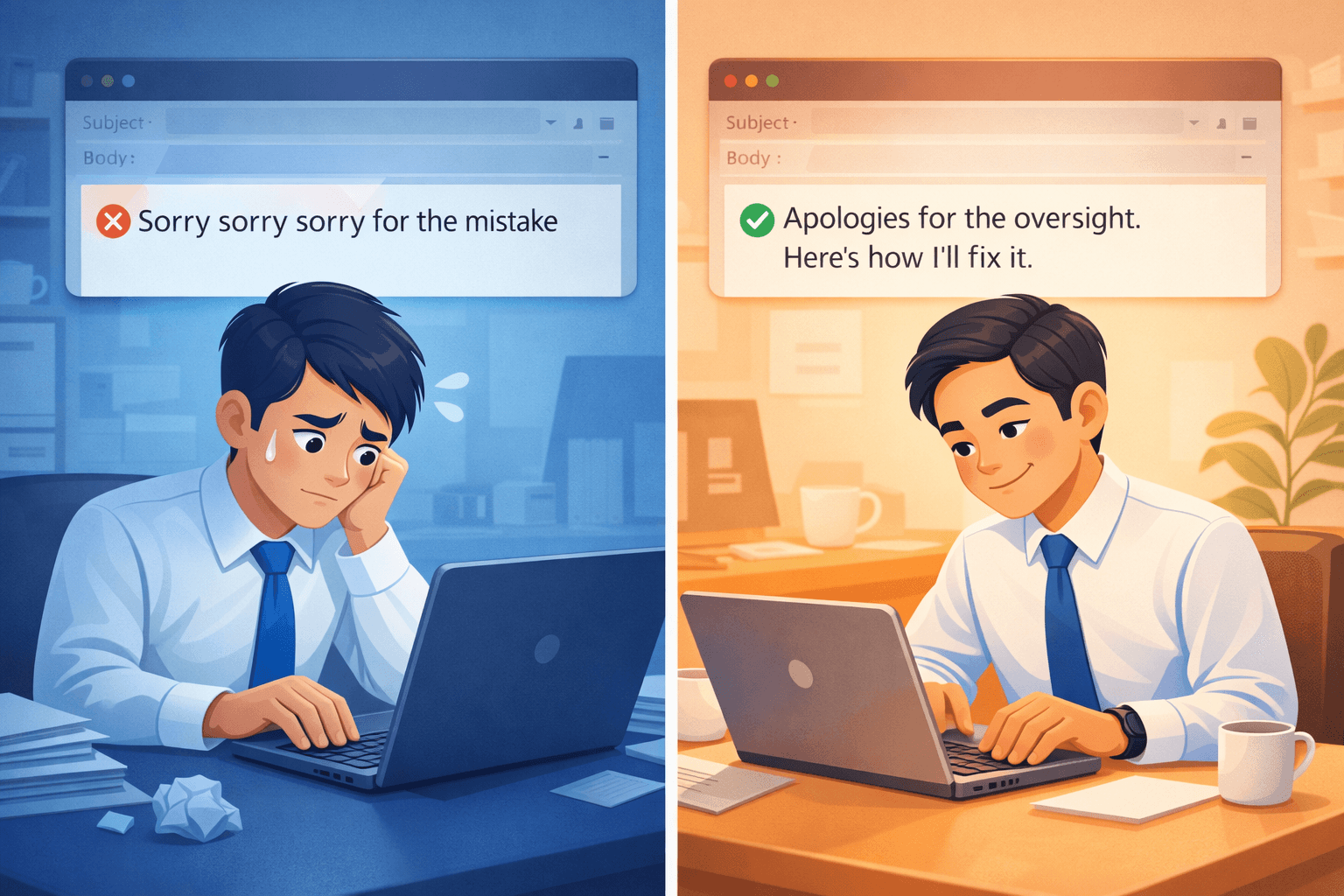
We’ve all been there: you missed a deadline, sent the wrong attachment, or just totally forgot to reply to an important email.
The instinct for many of us in Singapore and Asia is to apologize profusely:
"So sorry for the delay! Really sorry about this. Please forgive me."
While this comes from a good place (politeness), over-apologizing in business can actually backfire. It makes you look unconfident, disorganized, or "weak."
Here is how to apologize professionally in an email without losing respect—covering 5 real-life office scenarios.
Why Over-Apologizing Hurts You
- It diminishes your value: Constant "sorry"s make your work seem less valuable.
- It highlights the error: Instead of focusing on the solution, you keep reminding them of the mistake.
- It sounds robotic: "Sorry for the inconvenience" is so overused it means nothing.
5 Scenarios: How to Say Sorry Professionally
1. Late Reply
Don't just say you are sorry. Thank them for waiting—it turns a negative into a positive.
❌ Avoid
"Sorry for the late reply. I was so busy..."
✅ Try This
"Thank you for your patience..."
2. Missed Deadline
Own it, but pivot immediately to the new timeline. No excuses.
❌ Avoid
"So sorry I missed the deadline! My wifi died..."
✅ Try This
"I apologize for the delay. I will have the report to you by [Date/Time]..."
3. Making a Mistake
Acknowledge it clearly, then fix it.
❌ Avoid
"OMG so sorry I messed up the figures. My bad!"
✅ Try This
"You are correct, there is an error in the chart. I have updated it below..."
4. Sending Wrong Attachment
Keep it short. It happens to everyone.
✅ Template
"Apologies, please disregard the previous file. The correct version is attached here."
5. Following Up (Chasing)
Many Asians apologize for "bothering" someone when chasing work. Don't. You have the right to ask.
See our guide: How to chase emails politely.
❌ Avoid
"Sorry to bother you again..."
✅ Try This
"Just bumping this to the top of your inbox..."
FAQ: Professional Apologies in Email
Can I use emojis to say sorry?
In most professional contexts, no. It can look unprofessional or like you aren't taking the mistake seriously. Stick to words.
Should I explain why I made the mistake?
Briefly, if acceptable. But don't make long excuses (e.g., "my dog was sick," "the traffic was bad"). Focus on the fix, not the cause.
Is "My bad" professional?
No. "My bad" is slang. Use "My apologies" or "I overlooked that" instead.
Need Help Rewriting It?
Struggling to find the right tone for a sensitive email? You don't want to sound too aggressive or too weak.
Use Ai Grammar Buddy's Email Improver. Just paste your draft, choose "Apologetic" or "Professional" tone, and let our AI polish it for you instantly.
Ensure you strike the perfect professional tone.