Clear Writing Gets You Promoted (Because It Reduces Back-and-Forth)
Discover how clear writing at work reduces miscommunication and helps you look more senior to stakeholders and managers.
TL;DR
Clear writing makes you sound more senior, cuts back-and-forth, and moves projects forward with clearer asks and deadlines.
Top alternatives:
- •Clear, concise writing makes you appear more senior and decisive.
- •Reducing back-and-forth saves team time and protects your reputation.
- •Use clear asks and deadlines to move projects forward faster.
AI Grammar Buddy
Make this sound professional
Improve tone for work emails without changing your meaning.
Jump to sections
Use these anchors to jump straight to the section you need.
The Hidden Link Between Clarity and Career Growth
In the fast-paced workplace of Singapore and Southeast Asia, we often mistake "professionalism" for long, flowery sentences. However, the most senior leaders often write the shortest, clearest emails. Why? Because clear writing at work reduces the cognitive load on the reader. When you make it easy for your manager or a client to understand what you need, you demonstrate that you value their time.
Being able to distill complex information into actionable takeaways can improve perceived professionalism. It shows you have a "management" mindset—focusing on results rather than just the process. If you want to move from an execution-focused role to a leadership position, your writing needs to shift from reporting tasks to driving decisions.
Teaching English is another career path where clear writing becomes a job skill. Our guide to what TEFL certification means explains how English writers can build the lesson-planning and feedback skills that teaching also requires.
Proofreading is a different route for people who prefer correcting near-final copy. See how to become a proofreader with no experience by building honest samples and learning when not to rewrite.
How Reducing Back-and-Forth Saves Your Reputation
Every time a stakeholder has to reply with "What do you mean by this?" or "What are the next steps?", it creates friction. This "back-and-forth" is a productivity killer. By anticipating questions and providing all necessary context in the first email, you may help projects move faster. This efficiency is often what managers look for when considering promotions. They want someone who can own a thread and close it effectively.
Using tools to polish your message can be a game-changer. You can Try in Email Improver to see how your drafts can be tightened for maximum impact.
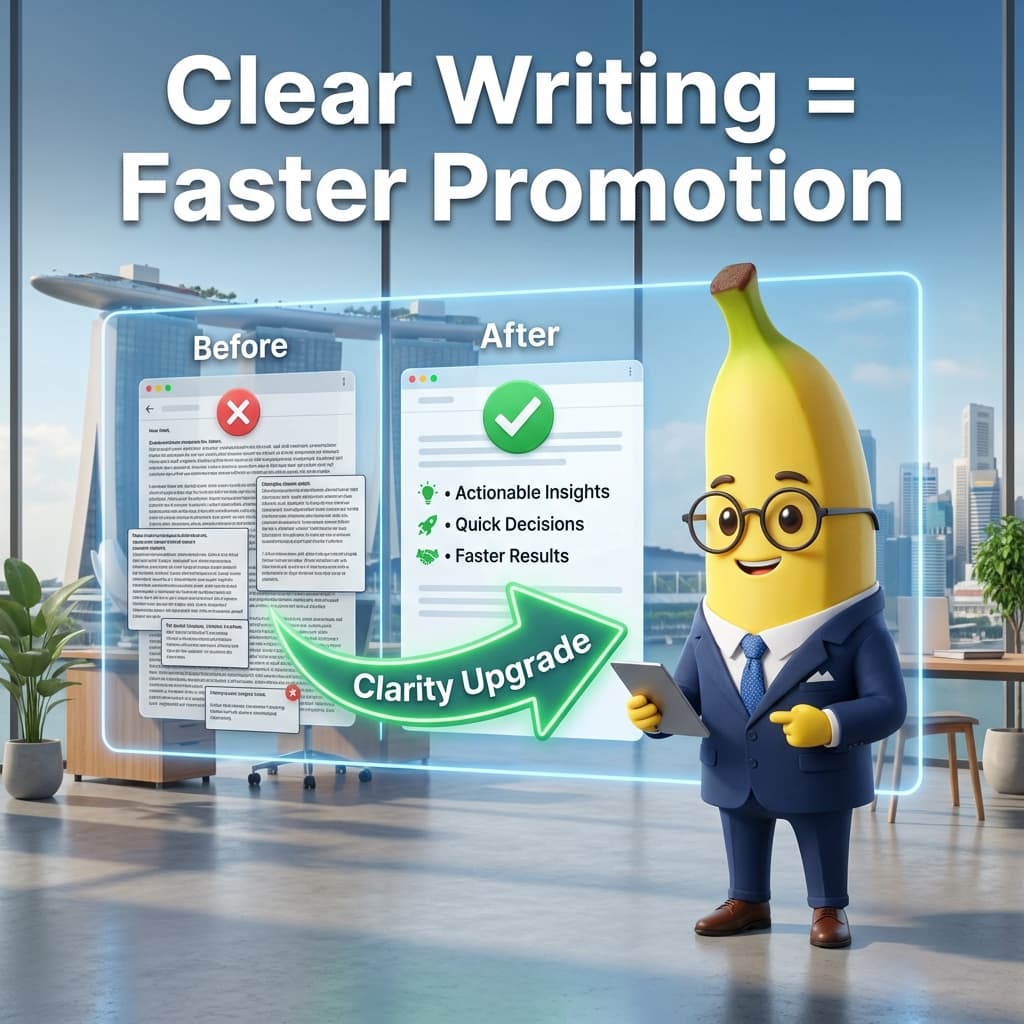
Before → After: The Clarity Transformation
Example 1: The Vague Update
- Before: "Hi team, regarding the project, I think we are almost done but there are some issues with the data. Let me know what you think when you have time." (Vague, passive, no clear ask)
- After: "Hi team, the Project Alpha dashboard is 90% complete. We found a discrepancy in the Q4 revenue figures. Action needed: Please verify the raw data by 3 PM today so we can hit the 5 PM deadline." (Specific, identifies the hurdle, sets a deadline)
Example 2: Requesting Approval
- Before: "I've attached the proposal. If it's okay, maybe we can send it to the client later?" (Weak tone, hesitant)
- After: "The client proposal is attached for your review. I recommend sending this by Friday morning to stay ahead of the weekend. Please approve by EOD Thursday." (Proactive, clear timeline)
Example 3: Scheduling a Meeting
- Before: "When are you free to talk about the budget? I'm quite busy but I can make some time." (Creates back-and-forth)
- After: "I’d like to finalize the Q2 budget. Are you available for a 15-minute sync on Tuesday at 10 AM or Wednesday at 2 PM? Please let me know which works." (Suggested times reduce friction)
SG/SEA Tone vs Global Tone
In Singapore, we sometimes rely on phrases like "please advise" or "noted with thanks" (see why is noted with thanks rude). While polite locally, a global audience prefers directness. To sound more senior globally, replace "I was wondering if..." with "I recommend...". Move the most important information to the first sentence. This doesn't mean being rude; it means being respectful of the reader's limited attention span.
The same rule applies to management shorthand like "please cascade this." If the reader cannot tell what should be shared, with whom, and by when, the sentence is not clear yet. Our guide to cascade meaning in business shows how to make that phrase specific.
Copy-Paste Templates for Senior Communication
1. The "Decision Needed" Template
Subject: Decision Required: [Project Name] Strategy Change "Hi [Name], we have encountered [Issue]. To keep the project on track, I recommend [Option A] because [Reason]. Do you approve of this approach, or would you prefer [Option B]? Please let me know by [Time/Date]."
2. The "Executive Summary" Template
Subject: Update: [Project] Phase 1 Completion "Hi [Name], Phase 1 is now complete. Key Results: 1) [Result 1], 2) [Result 2]. Next Steps: We are moving into [Phase 2] starting tomorrow. No action is required from you at this stage."
3. The "Ownership of Error" Template
Subject: Correction: [Project] Timeline Adjusted "Hi [Name], I identified an error in the initial timeline. I have updated the schedule to [New Date] to ensure quality. I’ve already informed the relevant stakeholders. [Link to updated doc]."
4. The "Request for Feedback" Template
Subject: Feedback Request: [Document Name] - Due [Date] "Hi [Name], I’ve drafted the [Document]. To ensure we meet the [Date] deadline, I’d appreciate your feedback on the [Specific Section] by [Time]. If I don't hear from you by then, I will proceed with the current version."
5. The "Declining a Low-Priority Request" Template
Subject: Re: [Request Name] "Hi [Name], thank you for reaching out. Currently, my priority is [Major Project]. I can look into [Request] next week once [Major Project] is submitted. Does that timeline work for you?"
6. The "Clarifying Vague Instructions" Template
Subject: Clarifying next steps for [Project] "Hi [Name], thanks for the brief. To ensure I deliver exactly what's needed, could you confirm if the focus should be on [Point A] or [Point B]? My current plan is to [Specific Action]. Try in Email Improver for similar drafts."
Senior Writing Checklist
- Is my main request in the first two sentences?
- Have I used bold text for "Action Needed" or "Deadlines"?
- Is there any "fluff" (like "I think" or "I feel") that can be deleted?
- Did I offer a solution instead of just stating a problem?
- If I'm asking for a meeting, did I suggest specific times?
- Is the subject line descriptive enough to be understood without opening the email?
- Have I checked for passive-aggressive phrases like "as per my last email"?
- Did I proofread for Singapore-specific idioms that might confuse global stakeholders?
Related Reads
FAQ
Q: Does writing shorter emails make me look lazy? A: Not at all. In fact, clear writing at work can reduce back-and-forth because it eliminates ambiguity. Management-level professionals value brevity. A concise, 3-sentence email that gets the job done is often seen as more professional than a 3-paragraph email that is difficult to parse.
Q: Should I stop using "polite" phrases like "I hope this finds you well"? A: You don't have to stop, but don't let it distract from the purpose. If your email is urgent, get straight to the point. Politeness is good, but clarity is better. Striking a balance is key to looking senior and professional.
Q: What if my boss prefers long, detailed updates? A: You can provide detail without sacrificing clarity. Use a "TL;DR" summary at the top and put the details in a bulleted list or an attachment. This allows your boss to skip the details if they are in a rush while still having them available. Try in Email Improver if you want help summarizing long drafts.
Q: Can I use emojis in senior-level emails? A: Use them sparingly and only if you know the recipient's style. For internal communication in SG/SEA startups, a simple 👍 can replace a "noted" reply. However, for external stakeholders or very senior traditional leaders, stick to professional text to be safe.
Next step
Make this sound professional
Improve tone for work emails without changing your meaning.
Keep going
Continue with AI Grammar Buddy
AI Grammar Buddy
Email Improver
Paste your draft and rewrite it for clearer, more professional English.
Improve My ToneRelated guide
Business Trip English Phrases: Airport, Hotel & Meetings
Learn practical business trip English phrases for airports, immigration, hotels, meetings, and delays, with mini dialogues and ready-to-use examples.
30 July 2026
Related guide
OK Noted Meaning in Email: Rude? Better Replies
What does OK noted mean in email? Is okay noted rude? Why noted on this is wrong, plus clearer professional replies you can copy.
18 July 2026
Related guide
AI Email Rewriter for Professional Emails (Before & After)
Turn rough drafts into professional emails. See before-and-after rewrites, better prompts, and common mistakes that affect tone, clarity, and structure.
17 June 2026